A power adapter may look simple, but heat, cable resistance, and poor matching can waste energy during everyday charging. Improve battery charging efficiency with power adapters by choosing a compatible adapter, using a sound cable, and keeping devices cool. Small choices matter. A warm phone on a soft blanket, for example, may charge less comfortably than one resting on a clear, ventilated desk.
The U.S. Department of Energy’s external power supply standards address both active-mode efficiency and power use when adapters are plugged in but idle. The European Commission’s ecodesign work likewise treats external power supplies as a meaningful efficiency target. These reports focus on equipment performance, not a promise that any one charger will extend battery life. That distinction matters. Battery condition, device controls, cable quality, and charging habits all shape results.
Battery expert Dr. Venkat Srinivasan of Argonne National Laboratory has discussed battery performance as a system-level challenge; paraphrased for charging, his point is that the battery cannot be considered apart from the conditions around it. This article turns that principle into five practical tips: match the adapter’s output to the device, favor reputable certified products, inspect cables, reduce excess heat, and unplug idle adapters when practical. Check the device maker’s specifications, too. A higher-wattage adapter is not automatically more efficient, and charging behavior varies by device. Some advice is easy to follow; some needs testing in your own routine. That is worth admitting.
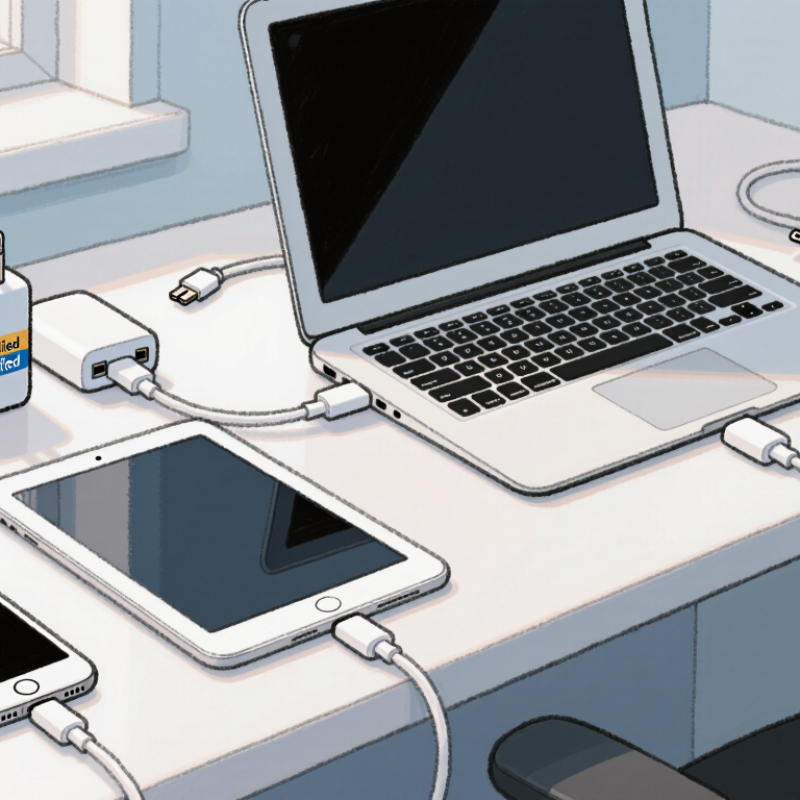
Understanding Battery and Power Adapter Compatibility
An adapter can fit the charging port and still be a poor match. Check the device’s required voltage, supported charging standard, and connector type before plugging it in. The voltage matters most: an incompatible supply may prevent charging or risk damage. Current ratings work differently. A compatible device generally draws the current it needs, but the adapter must provide enough for the device to operate and charge properly.
Small details matter. A USB-C connector alone does not guarantee fast charging; the device and adapter must support the same power-delivery features. Battery chemistry and built-in charging circuits also shape how quickly a battery accepts energy. I still double-check the small print, because adapter labels can be confusing. Compare the output information on the adapter with the device maker’s specifications, rather than relying on a familiar-looking plug. If the device or adapter becomes unusually warm, disconnect it and check the guidance for both. Warmth can occur during charging, but excessive heat deserves attention. Not always. A higher-wattage adapter does not automatically charge every device faster. Compatibility, not just the number on the label, is what counts.
5 Tips for Efficient Battery Charging with Power Adapters - Understanding Battery and Power Adapter Compatibility
| Tip |
What to Check |
Example |
Practical Action |
| 1. Match the charging standard |
Check whether the device and adapter support a compatible charging protocol and voltage profile. A matching connector alone does not guarantee compatibility. |
A USB-C device that supports USB Power Delivery can negotiate a suitable output with a compatible USB-PD adapter. |
Use a cable and adapter that support the device’s stated protocol. Avoid adapters that provide a voltage the device does not support. |
| 2. Check voltage and current requirements |
Compare the device’s input specifications with the adapter’s output. The device controls how much current it draws, but the voltage and charging method must be suitable. |
A 5 V, 2 A output can provide up to 10 W; a device designed for 5 V charging may draw less than that maximum. |
Read the input rating on the device or in its manual, and use an adapter with a compatible output rating. |
| 3. Choose adequate power without overestimating it |
For a compatible charging system, an adapter’s wattage is its maximum available power; it does not automatically force that power into the device. |
A 60 W USB-PD adapter can charge a compatible device that requests 20 W, while the device draws only the power it negotiates and needs. |
Select an adapter that meets the device’s required wattage and protocol. Confirm that the cable also supports the intended power level. |
| 4. Use a charger suited to the battery chemistry |
Different battery chemistries require different charging methods. Rechargeable lithium-ion batteries need controlled charging managed by the device or an appropriate charging circuit. |
A lithium-ion battery pack should be charged through its specified device or battery-management system, not directly from an unregulated power source. |
Use the charging equipment specified for the device. Do not substitute a charger intended for a different battery chemistry. |
| 5. Manage heat and charging conditions |
Battery temperature and charging limits vary by device and battery. Excessive heat can affect battery performance and service life. |
A phone charging in direct sunlight or under bedding may retain heat, even when the adapter and cable are compatible. |
Charge in a ventilated area, follow the device’s temperature guidance, and stop using damaged or unusually hot charging equipment. |
Selecting an Adapter with the Correct Voltage and Output
An adapter’s wattage is only part of the match. Check the device label or manual for its required voltage, then confirm the adapter supports that voltage. For USB-C devices, compatible chargers negotiate a supported power profile; a higher maximum wattage alone does not mean the device will draw it. Small print matters.
Tip: Match voltage first, then check output current or wattage. The USB Implementers Forum’s 2021 USB Power Delivery 3.1 update describes support for power levels up to 240 W, but only with compatible devices, cables, and adapters. That ceiling is not a recommendation for every battery. A phone designed for a lower-power input still needs a suitable profile, not simply the biggest number on the charger.
Compare the adapter’s output label with the device’s input rating, including the listed voltage and current. If the device accepts several USB-C profiles, choose an adapter that includes one of them. A cable can also limit supported power, so check its rating. One caveat: labels can be confusing, and I would recheck the manual rather than guess from connector shape. Stop using an adapter if it becomes unusually hot, buzzes, or charges erratically.
Preparing the Device for Safe, Efficient Charging
Preparing the device starts before the adapter goes in. Check its charging requirements, then match the adapter’s output to the device’s instructions. A higher-wattage adapter is not automatically unsafe, but compatibility matters. Inspect the cable and adapter for fraying, bent pins, cracks, or unusual heat. Keep connectors dry and clear of lint. Small details matter.
FDNY recorded 268 lithium-ion battery fires in New York City during 2023; the figure covers varied devices, not phones alone. It is a useful reminder, not proof that ordinary adapters caused those fires.
Place the device on a firm, uncovered surface, away from bedding and direct sunlight. Let a hot device cool before charging, and remove a case if it traps noticeable heat.
Don’t ignore swelling, a chemical smell, or a damaged charging port; stop charging and seek qualified service.
It’s easy to rush these checks. I sometimes would, too. A few seconds spent clearing a cluttered bedside table may feel fussy, but it gives heat and airflow room.
Managing Charging Time and Temperature
Charging time is not a fixed number. It can vary with the adapter’s output, the cable, the device, and the battery’s current charge. A phone may charge quickly at first, then slow down as it approaches full. That change is often normal, not a sign that the adapter has failed.
Temperature matters, too. A device charging on a sunny windowsill or under a pillow can trap heat. Place it on a firm, open surface instead, and move it away from direct sunlight. If it feels unusually hot, disconnect it and let it cool naturally before charging again. Don’t put it in a fridge or freezer; sudden temperature changes can cause other problems.
I used to judge a charger by how quickly it raised the percentage. That wasn’t very useful. I now check whether the device and adapter stay comfortably warm, and whether charging slows near full. Heat changes the pace. If charging repeatedly pauses, takes far longer than usual, or the adapter becomes too hot to touch comfortably, check the device’s guidance and inspect the cable and connections. Small pauses help. Avoid charging under blankets, even when the room feels cool.
Monitoring Battery Health and Charging Performance
Tip 1: Track charging time and battery behavior. Note the starting charge, the time it takes to reach full, and how quickly the battery drains during normal use. A phone that once lasted through an evening but now needs a midday top-up may be showing gradual wear. One reading proves little. Compare several days under similar conditions, since screen use and signal strength affect results.
Tip 2: Check battery health and temperature while charging. Use the device’s built-in battery information or diagnostic tools, when available, and look for repeated changes rather than one unusual reading. The adapter and cable should meet the device maker’s stated requirements. A little warmth can be normal; stop charging if the device becomes unusually hot, smells odd, or shows swelling. That needs attention.
Tip 3: Watch for changes in charging performance. If charging repeatedly pauses, slows sharply, or takes much longer with the same adapter, inspect the cable and connector for looseness or visible damage. Keep notes, but be honest about the limits: mine are rarely perfect, and I sometimes forget to record usage. Still, a simple log can help separate battery aging from a worn cable, heavy app use, or a warm room.
5 Tips for Efficient Battery Charging with Power Adapters
Monitoring Battery Health and Charging Performance
This representative charging session shows power tapering as the battery approaches full charge—a common behavior in lithium-ion devices. Use a compatible adapter, avoid excessive heat, and monitor charging trends over time; this example is illustrative, not a measurement from a specific device.
Conclusion
Improve battery charging efficiency with power adapters by first confirming that the adapter is compatible with your device and battery. Choose one with the correct voltage and sufficient output for the device’s requirements; an unsuitable adapter can lead to slow charging or unnecessary heat. Before connecting it, check that the charging port and cable are in good condition, and place the device on a stable, well-ventilated surface.
Charging habits also matter. Avoid exposing the device to excessive heat, and unplug it when charging is complete or when its temperature seems unusually high. Use the device’s charging indicators or settings to track charging time and performance. If charging becomes consistently slower, the battery drains quickly, or the device heats up more than usual, review your setup and battery condition. These simple steps can support safer, more reliable charging and help maintain battery health over time.

 JDI Power Supply